CloudScale Cleanup
Database and media library cleanup with dry-run preview, image optimisation, PNG to JPEG conversion, and chunked processing safe on any server. Free, open source, no subscriptions.
Database Cleanup
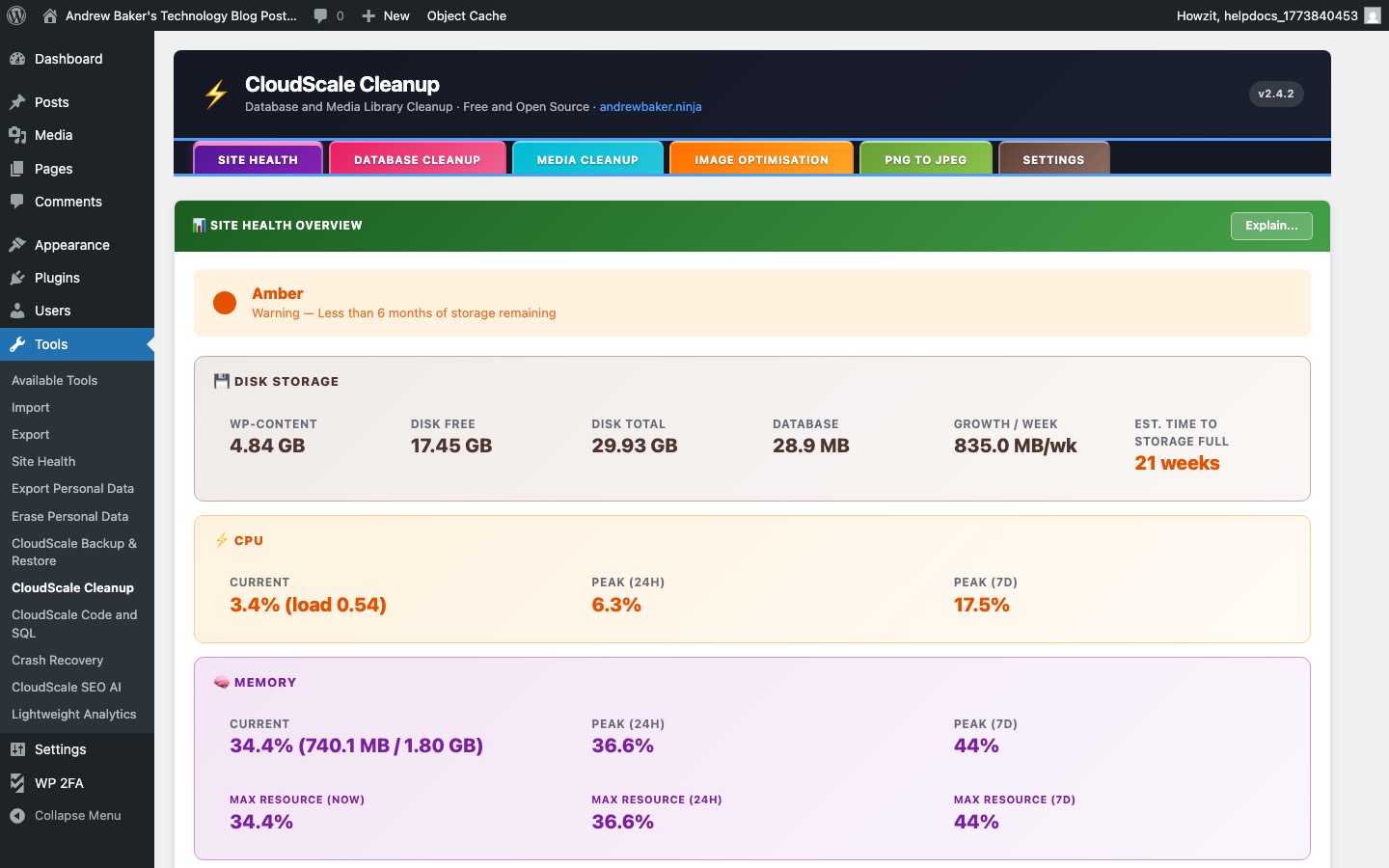
The Database Cleanup tab removes accumulated junk from your WordPress database that slows down queries and inflates backup sizes.
Items that can be cleaned:
- Post revisions — WordPress saves a revision every time you update a post. These accumulate rapidly on busy sites.
- Auto-drafts — temporary draft posts created by the Gutenberg autosave that were never published.
- Trashed posts / pages / comments — items moved to the Trash but not yet permanently deleted.
- Spam and unapproved comments — comment queue items that were marked as spam.
- Orphaned post meta — post metadata rows whose parent post no longer exists.
- Transients — expired WordPress transient cache entries stored in the options table.
Always use Dry Run first to preview what will be deleted before committing. Processing is done in chunks to avoid PHP timeout on large databases.
Media Library Cleanup
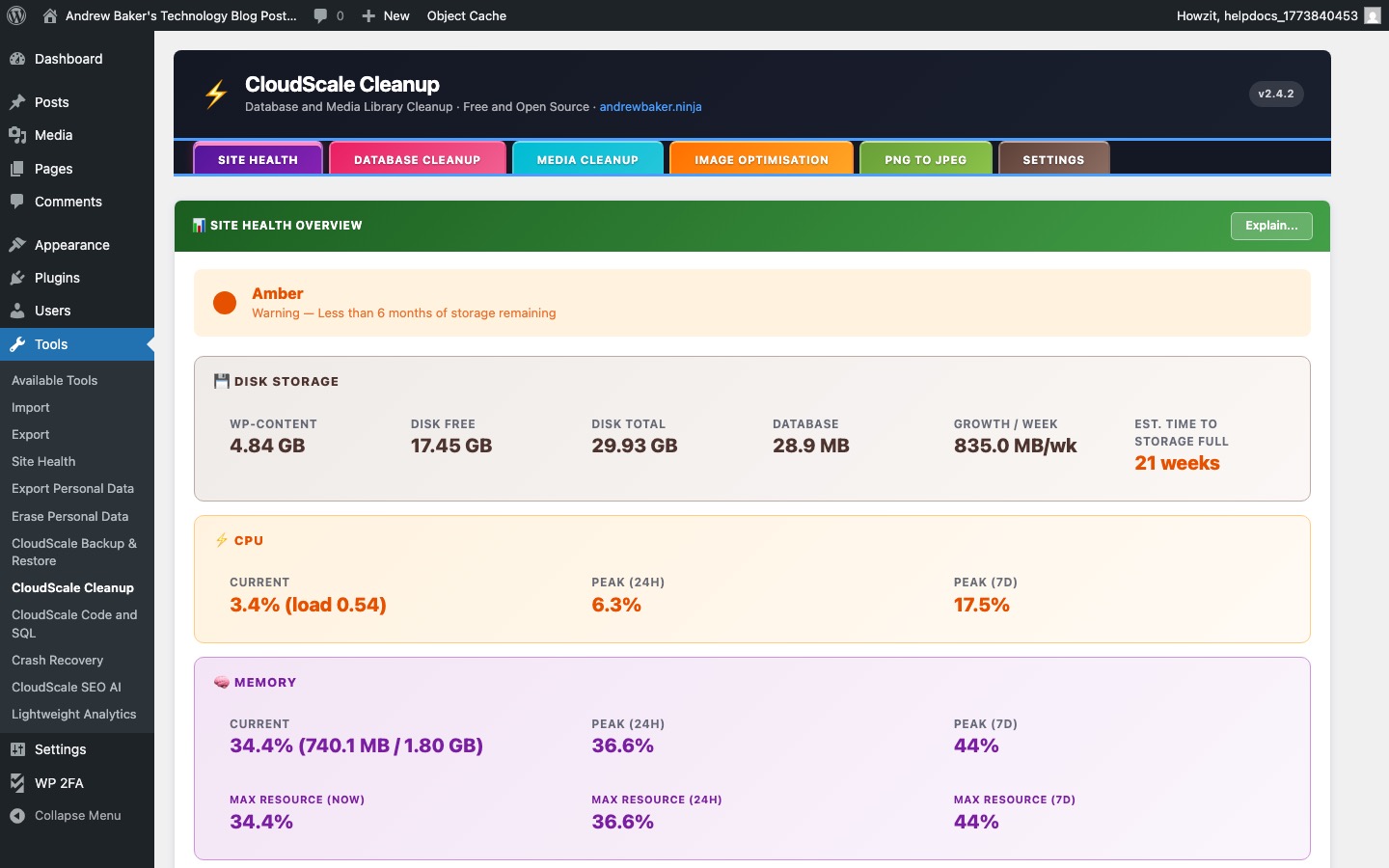
The Media Library Cleanup tab finds and removes media files that are no longer referenced by any post, page, or widget — freeing up disk space and reducing backup sizes.
- Scan — analyses your media library against post content, post meta, widget data, and theme options to identify truly unused files.
- Preview — lists all files that would be deleted, with thumbnails so you can verify before committing.
- Delete — permanently removes the selected files and their WordPress attachment records.
Caution: some plugins store media references in custom database tables that the scanner may not check. Always download a backup before running a media cleanup.
Image Optimisation
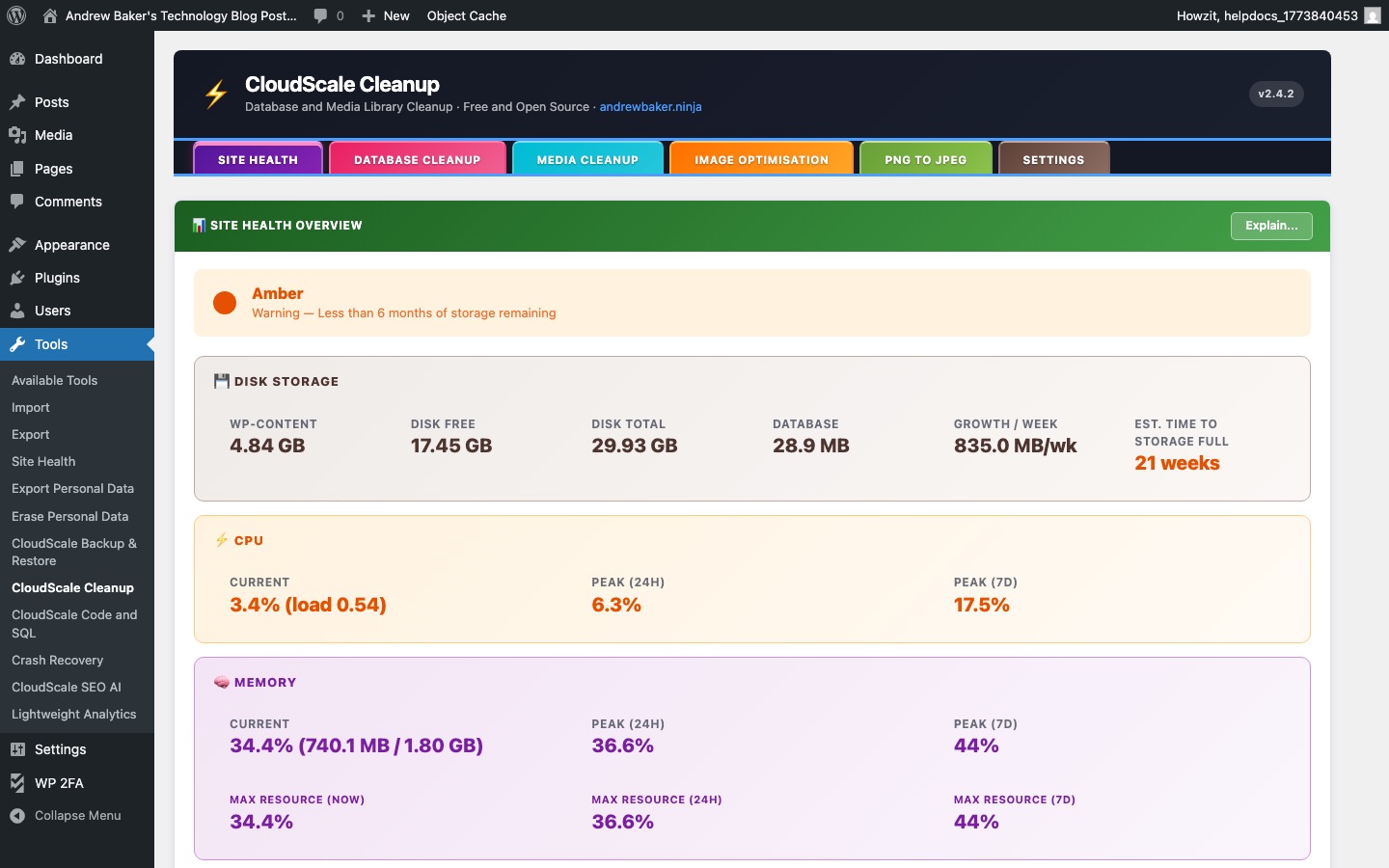
The Image Optimisation tab reduces the file size of images in your media library, improving page load speed and reducing storage usage.
- PNG to JPEG conversion — converts PNG images that do not require transparency to JPEG format, which is typically 3–5× smaller at equivalent visual quality. Transparency is preserved for PNGs that need it.
- JPEG recompression — re-encodes existing JPEG files at a configurable quality level (default 82%). Images already at or below the target quality are skipped.
- Quality setting — balance between file size reduction and image quality. 80–85 is recommended for blog photography; 70–75 for screenshots and diagrams.
- Chunked processing — large libraries are processed in batches to prevent PHP timeouts. You can stop and resume at any time.