CloudScale Crash Recovery
A system-cron-based watchdog that probes your site every minute. If a crash is detected it automatically deactivates and deletes the most recently modified plugin, then re-probes to confirm recovery.
Watchdog Dashboard
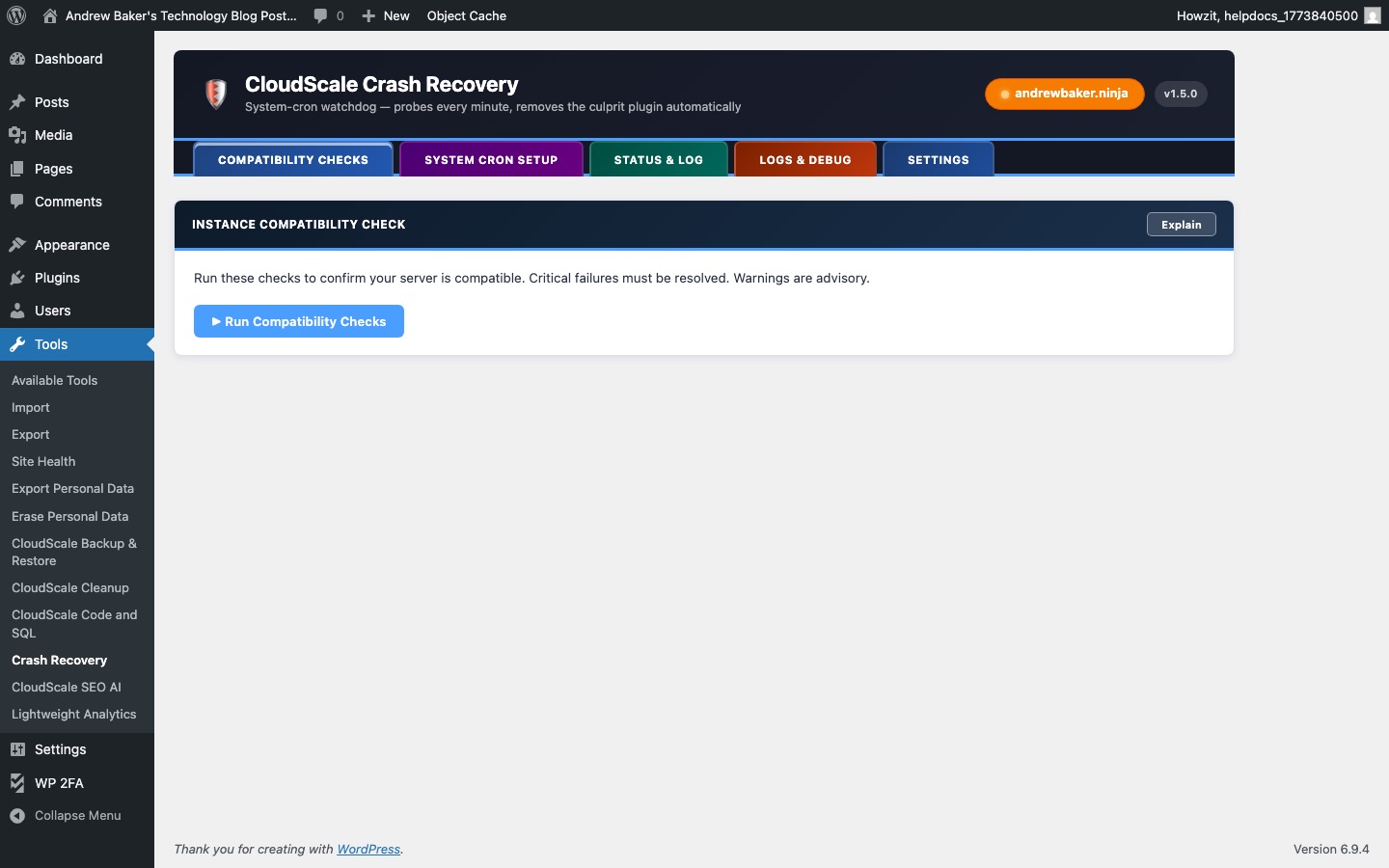
The Watchdog Dashboard shows the current status of the crash recovery system.
- Watchdog status — Active (system cron is running and probing the site) or Inactive (not configured or cron not set up).
- Last probe — timestamp of the most recent health check. Should be within the last 2 minutes if active.
- Last response code — the HTTP status code returned by the most recent probe. 200 = healthy; anything else triggers the recovery process.
- Recovery count — number of times the watchdog has automatically recovered the site.
The watchdog works by probing the site’s frontend URL every minute via a system cron job. If the site returns a non-200 response, it identifies the most recently modified plugin (modified within the last 10 minutes) and deactivates it, then re-probes to confirm recovery.
Crash Log
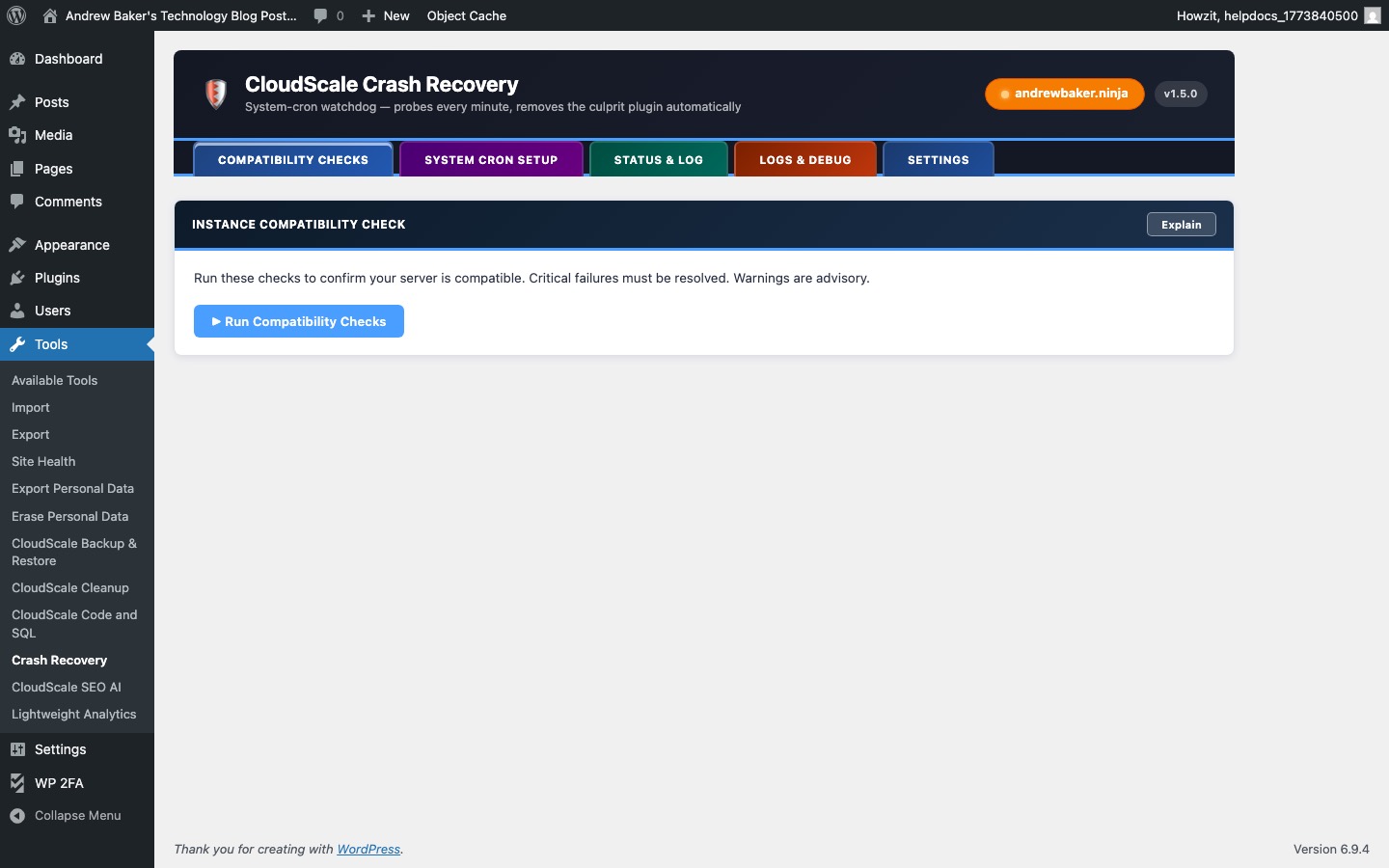
The Crash Log records every recovery event with full details for post-incident analysis.
- Timestamp — when the crash was detected.
- HTTP status — the error code returned by the site (e.g. 500 Internal Server Error).
- Plugin deactivated — the plugin that was automatically deactivated and deleted. This is determined by finding the plugin whose files were most recently modified before the crash.
- Recovery confirmed — whether the site returned to 200 OK after the plugin was removed.
- Response time — how long the recovery process took from crash detection to confirmed recovery.
Review the crash log after any incident to confirm the correct plugin was identified and to take follow-up action (e.g. pinning a specific plugin version or contacting its author).
Setup & Configuration
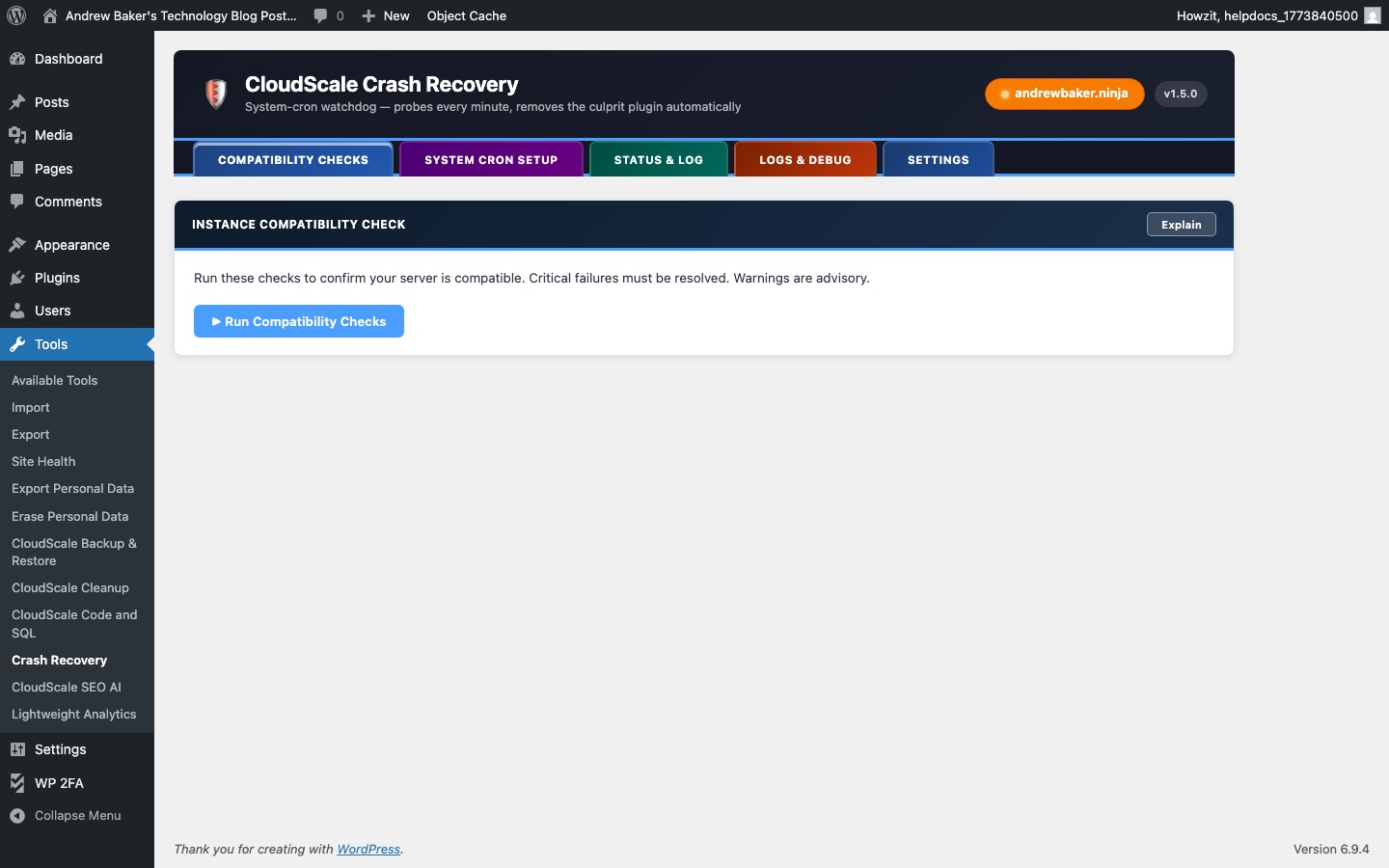
The watchdog requires a system cron job (not WordPress WP-Cron) to run reliably every minute. WP-Cron is triggered by page visits and cannot guarantee minute-level reliability.
Setup steps:
- Copy the cron command shown in this panel — it will look like:
* * * * * /usr/bin/php /var/www/html/wp-cron.php - Add it to your server’s crontab:
crontab -e - Paste the command and save
- Return to this panel and click Test Connectivity to confirm the watchdog can probe your site correctly
- Probe URL — the URL the watchdog probes. Defaults to your site’s homepage. Change this if your homepage redirects or requires authentication.
- Recovery window — how recently a plugin must have been modified to be considered the crash culprit (default 10 minutes). Reduce this if you install plugins frequently to avoid false positives.
- Notification email — receive an email alert when a crash is detected and recovered.