Free & Open Source
CloudScale Code Block
Syntax highlighted code blocks with auto language detection, clipboard copy, dark/light mode toggle, a code block migrator from other plugins, and a read-only SQL query tool. Works as a Gutenberg block and as a
shortcode.</p>
</div>

<div class="cs-toc">
<div class="cs-toc-title">Contents</div>
<ul><li><a href="#code-block">Code Block Overview</a></li>
<li><a href="#sql-tool">SQL Query Tool</a></li>
<li><a href="#migrator">Code Block Migrator</a></li></ul>
</div>

<hr class="cs-divider"/>


<div class="cs-panel-section">
<h3 class="cs-panel-heading" id="code-block">Code Block Overview</h3>
<figure class="cs-screenshot"><img src="https://andrewbaker.ninja/wp-content/uploads/2026/03/panel-code-block.jpg" alt="Code Block Overview" /></figure>
<div class="cs-panel-body">
<p>The <strong>CloudScale Code Block</strong> is a Gutenberg block and shortcode for displaying syntax-highlighted code in your posts and pages.</p>
<ul>
<li><strong>Auto language detection</strong> — the plugin detects the programming language from the code content and applies appropriate syntax highlighting automatically.</li>
<li><strong>Manual language selection</strong> — override the auto-detected language from the block toolbar dropdown.</li>
<li><strong>Copy to clipboard</strong> — a copy button appears on hover, letting readers copy the full code snippet with one click.</li>
<li><strong>Dark / Light mode toggle</strong> — readers can switch the code block theme between dark and light to match their preference. The setting is remembered via localStorage.</li>
<li><strong>Line numbers</strong> — optionally display line numbers alongside the code.</li>
<li><strong>Shortcode usage:</strong> <code>[cs_code lang="php"]your code here
SQL Query Tool
The SQL Query Tool lets you run read-only SQL SELECT queries against your WordPress database directly from the admin — without needing phpMyAdmin or SSH access.
- Only
SELECTstatements are allowed — the tool blocks any query that could modify data (INSERT,UPDATE,DELETE,DROP, etc.). - Results are displayed in a formatted table with column headers.
- Row count and query execution time are shown below the results.
- Useful for quick data lookups, verifying plugin data, and debugging without leaving WordPress admin.
Note: this tool is only accessible to WordPress administrators.
Code Block Migrator
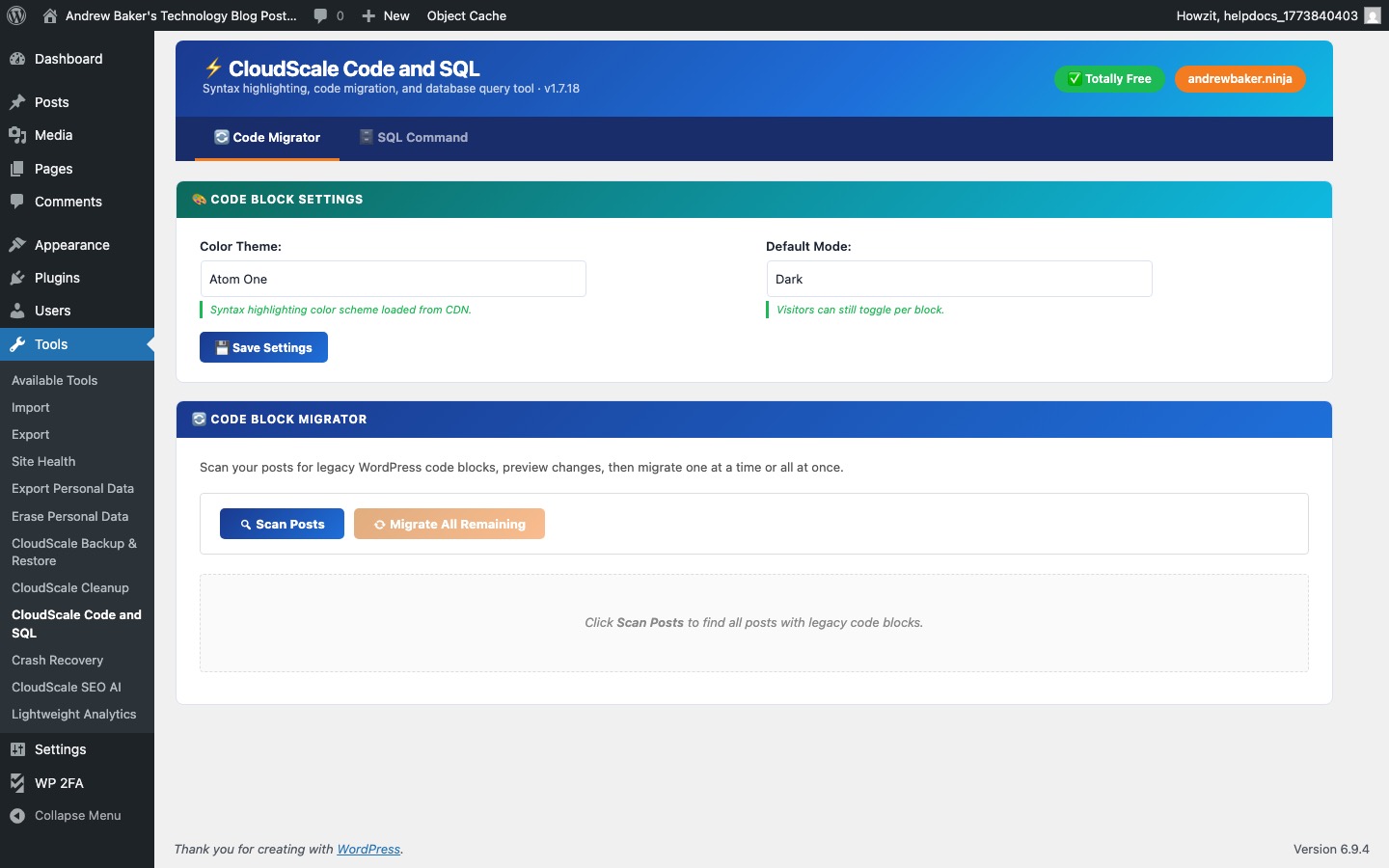
The Code Block Migrator converts code blocks from other WordPress plugins (such as Crayon Syntax Highlighter, SyntaxHighlighter Evolved, and others) to CloudScale Code Blocks in one operation.
- Scan — finds all posts and pages containing shortcodes or HTML from supported legacy plugins.
- Preview — shows what will be converted before making any changes.
- Convert — replaces the old shortcodes/HTML with
Always take a backup before running the migrator.