CloudScale Free Backup and Restore
No-nonsense WordPress backup and restore. Backs up database, media, plugins and themes into a single zip. Scheduled or manual, with safe restore and maintenance mode. Completely free, no subscriptions.
Backup List
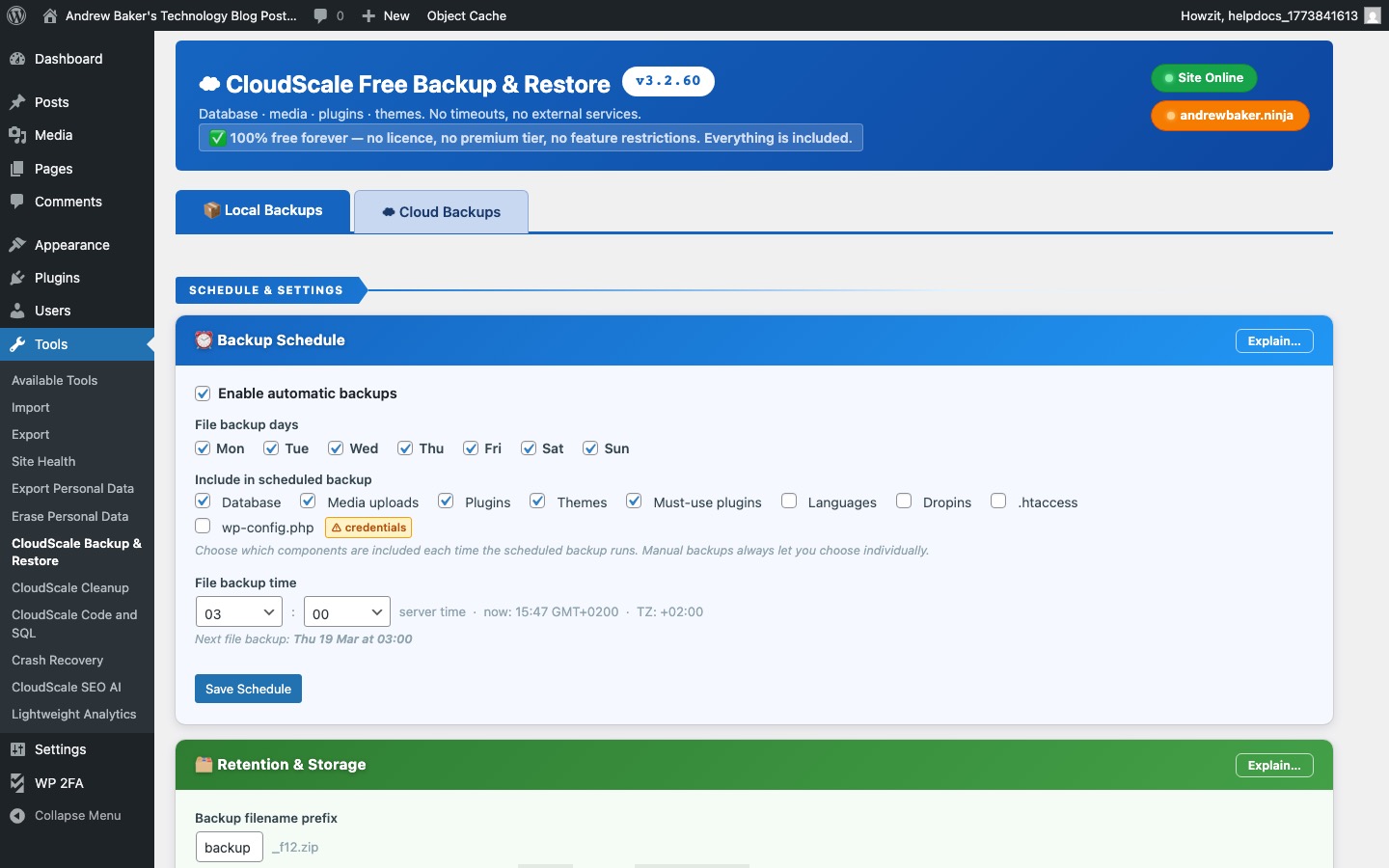
The Backup List shows all backups stored on your server. Each backup is a single zip file containing your database, media uploads, plugins, and themes.
- Date / time — when the backup was created.
- Size — the zip file size. Useful for monitoring storage usage.
- Type — Manual (triggered by you) or Scheduled (automatic).
- Download — download the backup zip to your local machine for offsite storage.
- Restore — restore your site to the state at the time of this backup. See the Restore section below.
- Delete — permanently delete a backup to free up disk space.
Create a Backup
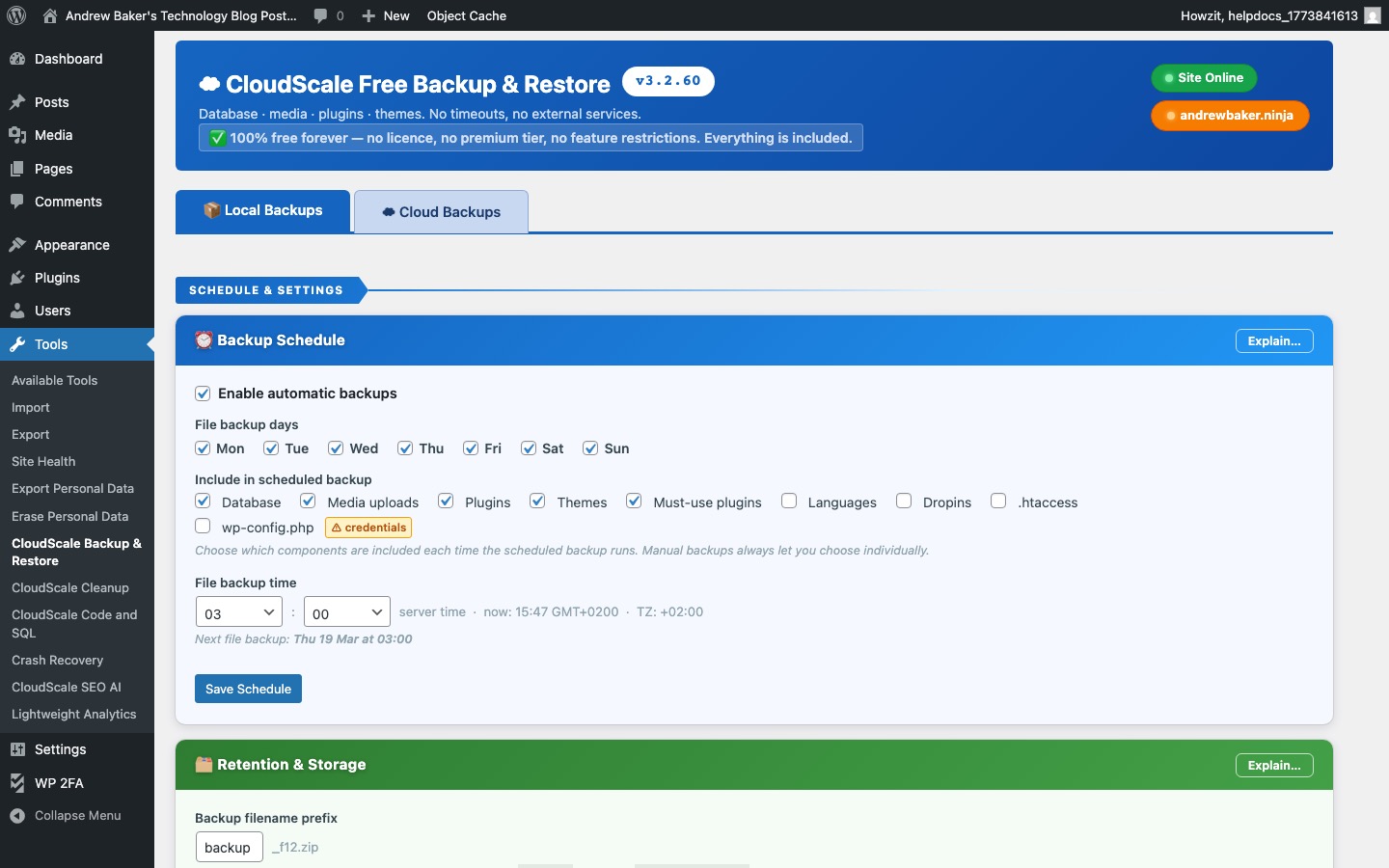
Click Create Backup Now to immediately create a full backup of your WordPress site. The backup includes:
- Your complete WordPress database (all posts, pages, settings, users)
- The
wp-content/uploads/media library - All active plugins
- Your active theme
Scheduled backups — configure automatic backups to run daily, twice-daily, or weekly. Backups are stored on the same server as your WordPress installation. For offsite backup, download each zip to your local machine or configure S3 storage.
Retention — set the maximum number of backups to keep. When the limit is reached, the oldest backup is automatically deleted when a new one is created.
Restore & Maintenance
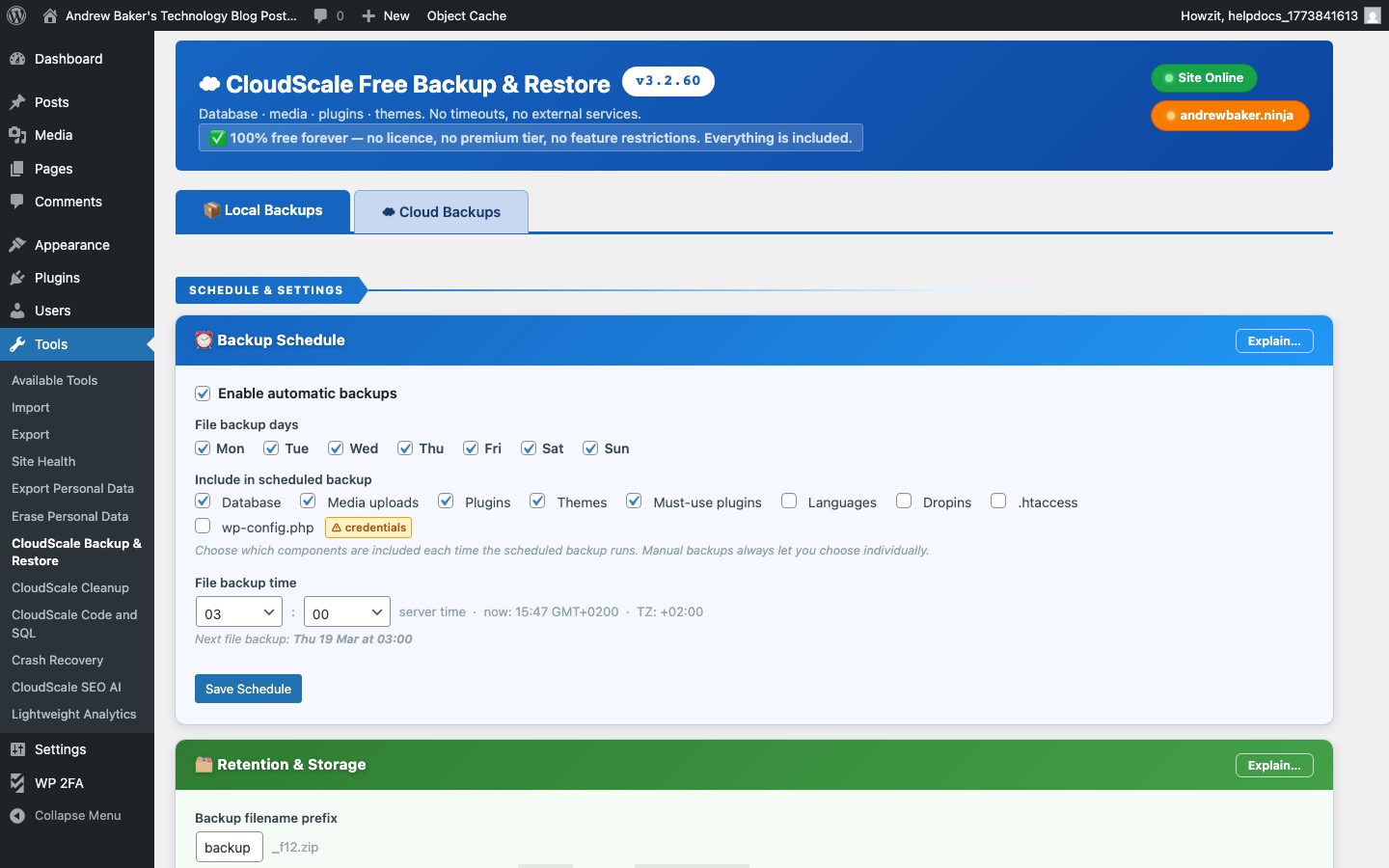
Restore replaces your current site with the contents of a backup zip. The plugin puts your site into Maintenance Mode during the restore, showing a “Down for maintenance” page to visitors.
The restore process:
- Maintenance mode is activated
- The backup zip is extracted
- The database is restored from the backup SQL dump
- Files (media, plugins, theme) are restored
- Maintenance mode is deactivated
Important: Always download a fresh backup before restoring. A restore is irreversible — any changes made after the backup date will be lost.