Auto-Toggle Bluetooth on MacBook Lid Open/Close
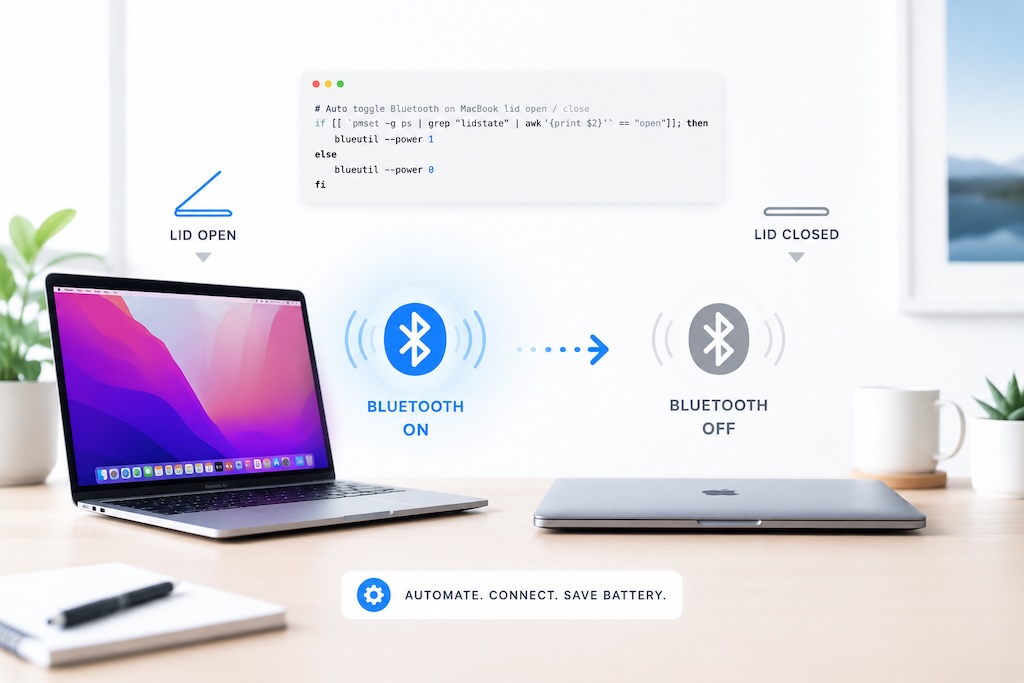
Automating Bluetooth toggling on a MacBook when the lid opens or closes requires a small shell script combined with a launchd sleep/wake hook or a tool like SleepWatcher installed via Homebrew. The script runs a blueutil command to disable Bluetooth on sleep and re enable it on wake, preventing unwanted headset connections while the lid is closed.
Auto-Toggle Bluetooth on MacBook Lid Open/CloseAndrew Baker's Technology Blog Posts, 24/Aug/2022
https://andrewbaker.ninja/2022/08/24/auto-toggle-bluetooth-on-macbook-lid-open-close/
If you’re like me, little things bother you. When I turn on my bluetooth headset and it connects to my Macbook when its closed/sleeping, I get very frustrated. So I wrote a simple script to fix this behaviour. After running the script below, when you close the lid on your Macbook it will automatically turn bluetooth off. When you open you Macbook it will automatically re-enable bluetooth. Simple 🤓
If you need to install brew/homebrew on your mac then run this:
## Install homebrew
/bin/bash -c "$(curl -fsSL https://raw.githubusercontent.com/Homebrew/install/HEAD/install.sh)"
## IMPORTANT: Once the install finishes run the two commands displayed in the terminal window
echo 'eval "$(/opt/homebrew/bin/brew shellenv)"' >> $HOME/.zprofile
eval "$(/opt/homebrew/bin/brew shellenv)"
Script to automatically enable/disable bluetooth:
## Install the bluetooth util and sleepwatcher
brew install sleepwatcher blueutil
## This creates a file which switches bluetooth off when the macbook lid is closed
echo "$(which blueutil) -p 0" > ~/.sleep
## This creates a file which switches on bluetooth when the lid is open
echo "$(which blueutil) -p 1" > ~/.wakeup
## This makes both the files runable
chmod 755 ~/.sleep ~/.wakeup
## Finally restart the sleepwatcher service (to pickup the new files)
brew services restart sleepwatcher
Thanks for this Andrew.
$ which blueutil
blueutil not found
Did you run “brew install blueutil”?
Error comment:
”
blueutil: A full installation of Xcode.app is required to compile
this software. Installing just the Command Line Tools is not sufficient
”
This script seems to work only if you have the full version of Xcode installed (Apple general IDE).